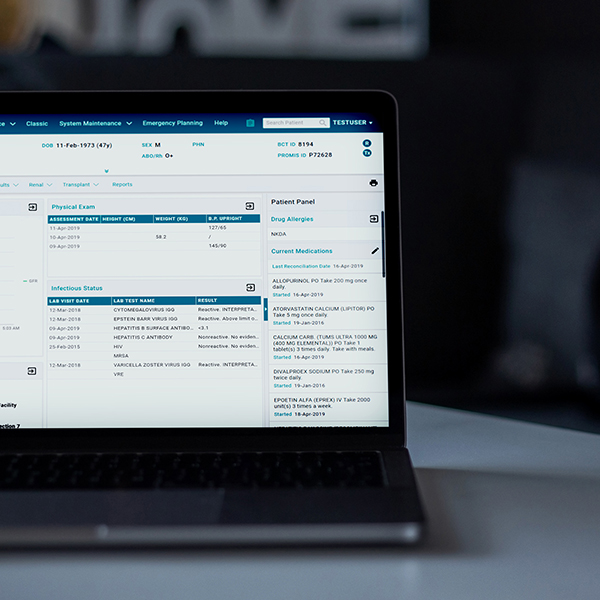
As a part of the PROMIS 4.11 release, coming Sunday November 28th, we will be launching program-specific Patient Overview Dashboards in PROMIS 4. Users now have the option to change their default patient view screen to one of three program specific patient view dashboards: PCR Dashboard, Renal Dashboard, or Transplant Dashboard. Each dashboard will display specific information/widgets of particular relevance to that program.
Renal
Patient Overview Dashboard displays:
- Lab Results
- Physical Exam
- Advanced Care Planning
- Infection Status
- Modality Selection
- Dialysis Access
- Upcoming Appointments
- Recent Transplant Program History
Transplant
Patient Overview Dashboard displays:
- Lab Results
- Physical Exam
- Advance Care Planning
- Infection Status
- Modality Selection
- Recent Transplant Program History
Post Covid Recovery
Patient Overview Dashboard displays:
- PCR Information
- PCR Questionnaires
- Lab Results
- Diagnostic Results
- Clinic Visits
| *Access to widgets is dependent on individual user permissions. You may not have permission to view all the widgets listed under each dashboard. |
How to change your default Dashboard view?
- Click your user name on the top right corner
- Click “Settings”
- Select a Dashboard View
- Click Save
If you have any questions or feedback please contact Charles Hoare, Change Lead.
Thank you, from the PROMIS team!